After years of happily using the Yealink WH66 Dual UC headset for 3CX, general PC use and as a set of headphones for my mobile while in the office, I recently made the jump to the Yealink WH68 Dual UC DECT + Wireless Headset. I’ve now been using it daily for about a month and when I say daily, I mean up to 12 hours a day on my head, moving between client calls, Teams meetings, desk work, and the occasional YouTube break.
The short version? It’s a very capable business headset that fits seamlessly into a busy workday.
The longer, more honest version? Let’s dig in.
First Impressions
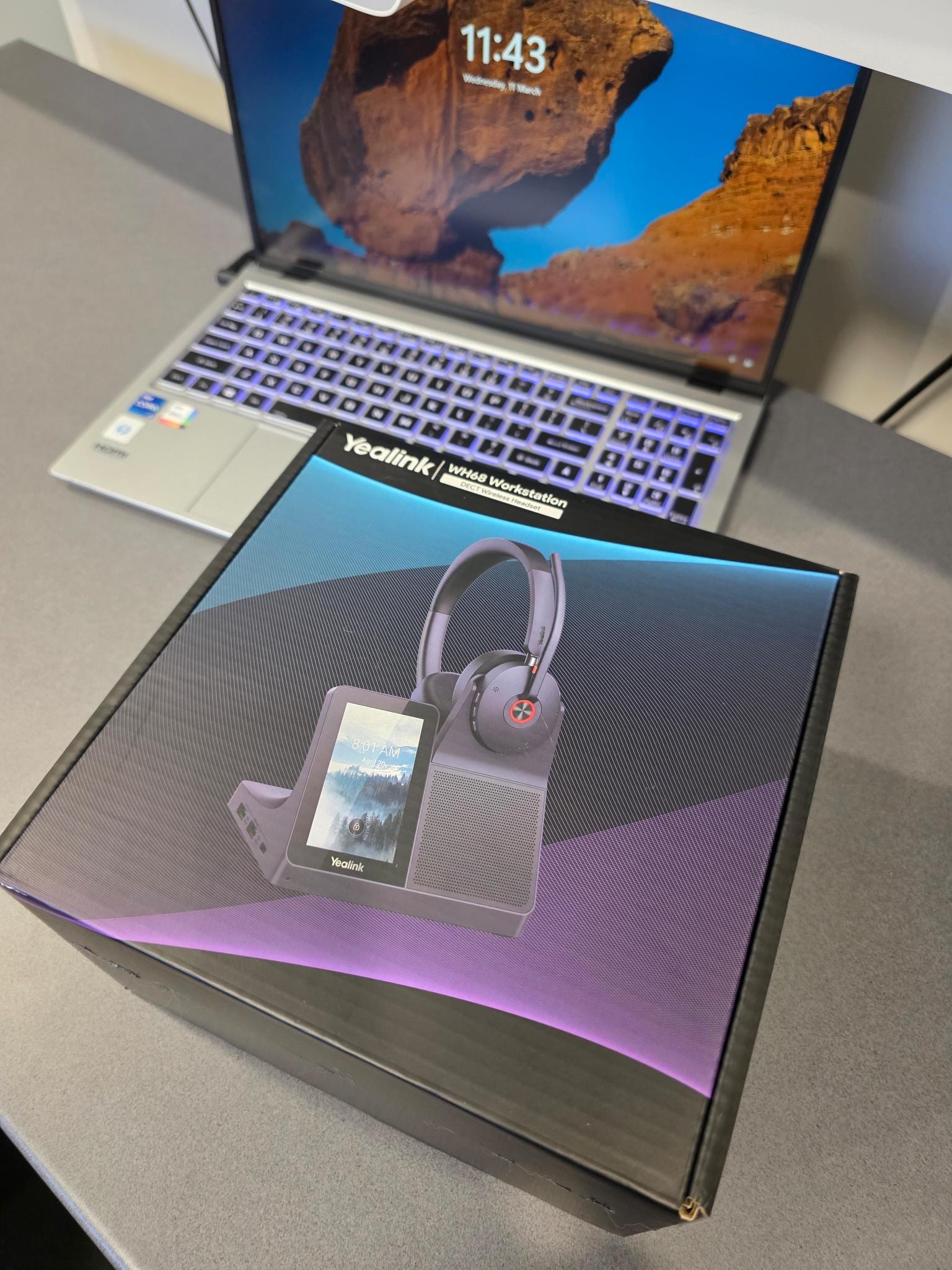
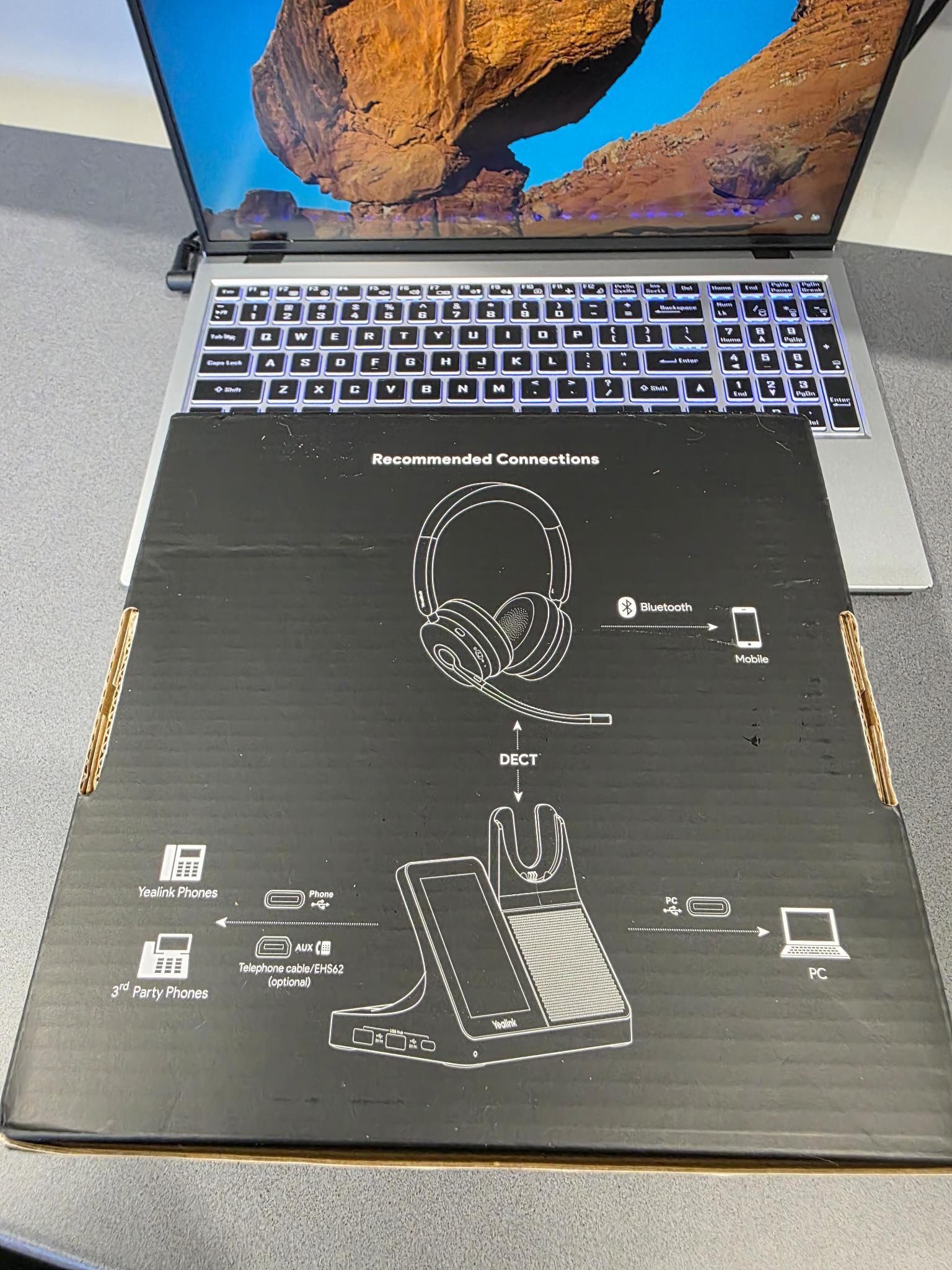
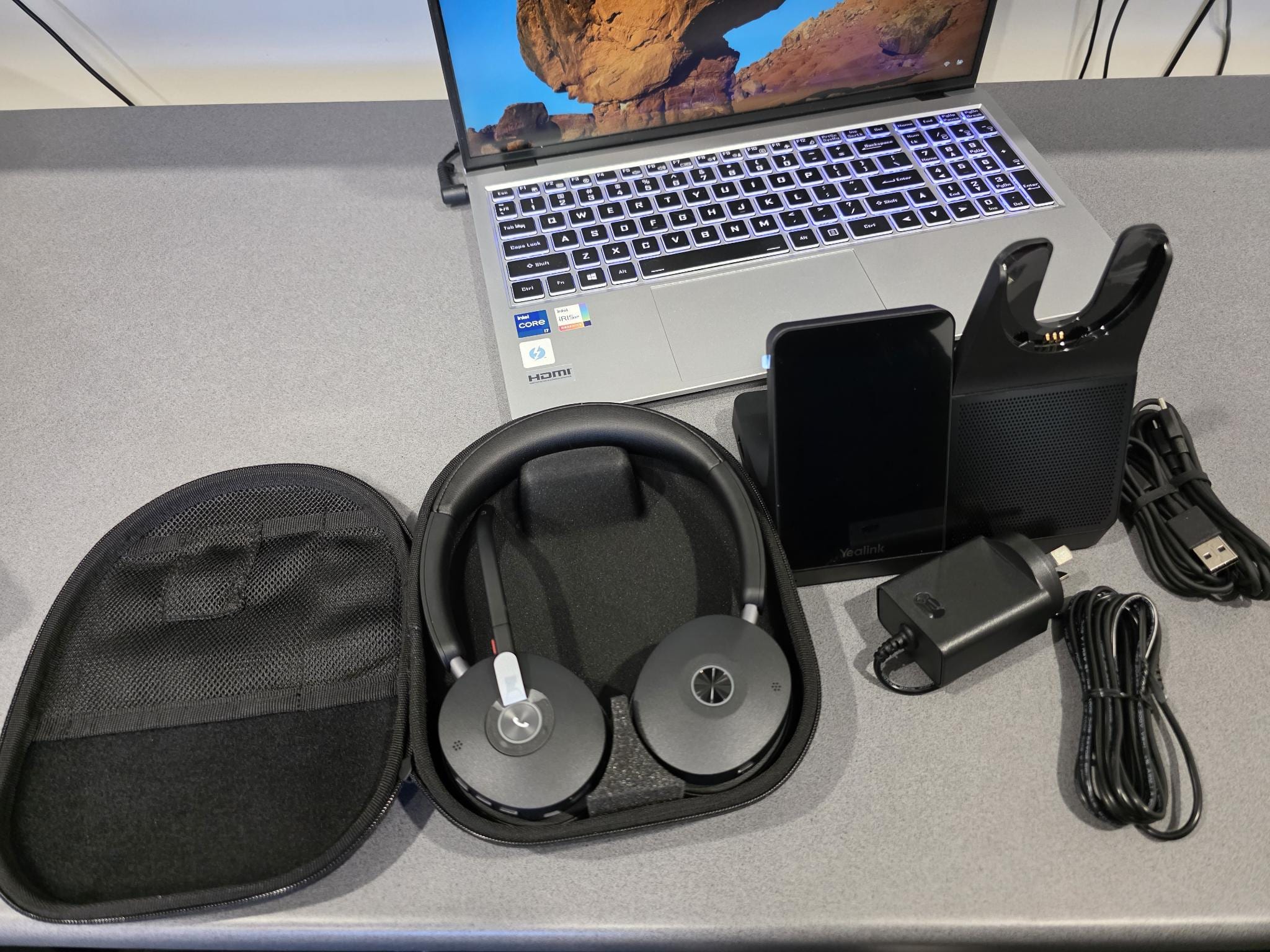
I’ve included a few photos with this post showing the unboxing experience, you get a solid carry case, a charging stand, power supply for the stand along with a USB cable to conenct the stand to your PC plus another USB cable for travel and everything feels robust without being bulky or over‑engineered. It’s the kind of product that feels at home on a professional desk rather than something borrowed from a consumer gadget aisle.
Comfort Counts
Comfort is absolutely critical if you spend most of your day on calls like me on the helpdesk and this is where the WH68 performs exceptionally well.
I regularly wear this headset for 12 hours a day, and it remains comfortable throughout long stretches. Compared to consumer earbuds like AirPods or Galaxy Buds, it’s far more forgiving on the ears over time. The fit is well balanced, there’s no excessive pressure, and you don’t get that end‑of‑day headset fatigue.
If your headset is effectively part of your uniform, this matters more than specs on a box.
Connectivity That Just Works
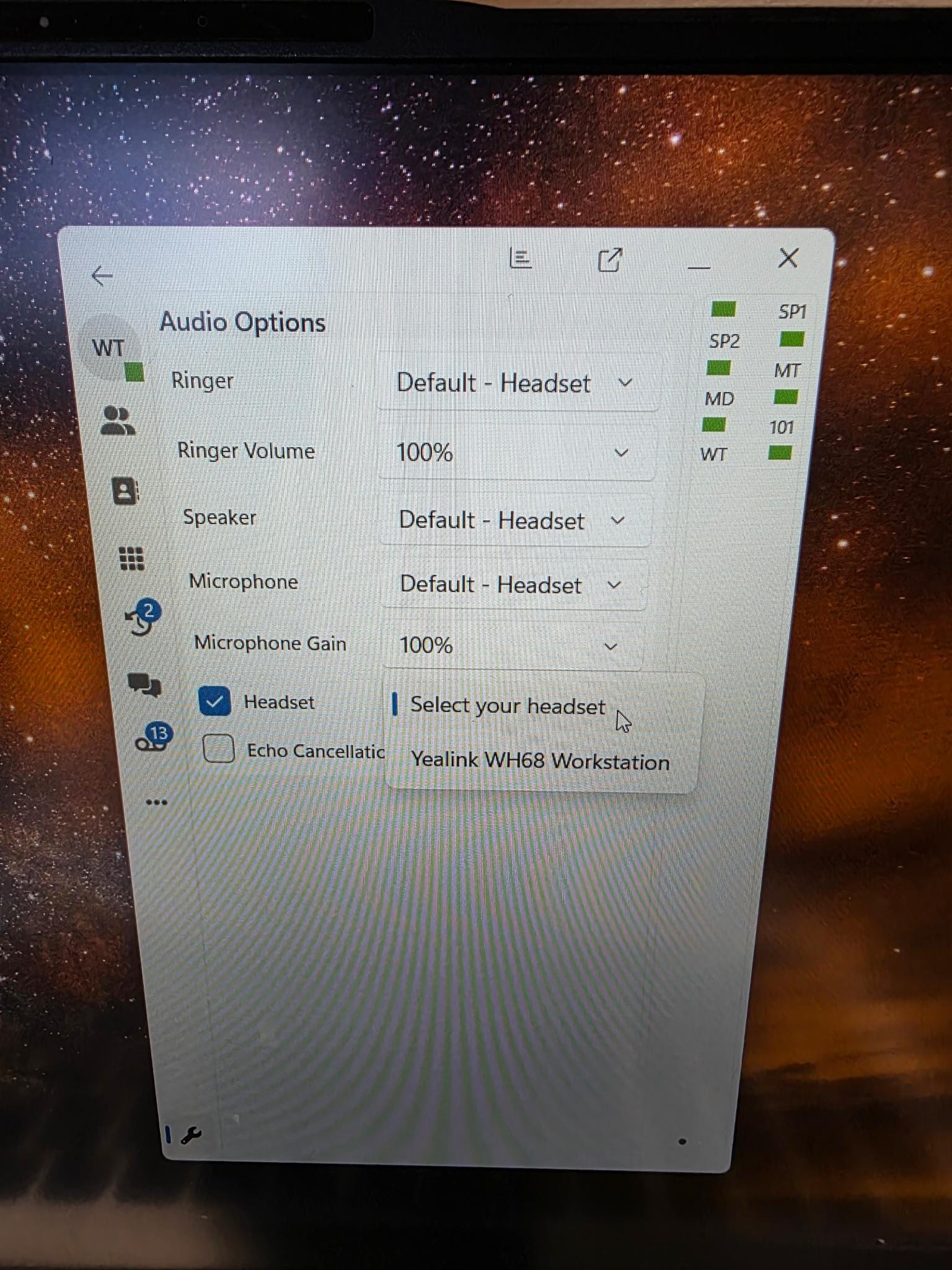
The WH68 fits neatly into a modern business setup without fuss.
Connected to my PC, it works exactly as you’d expect:
- A fully integrated headset within the 3CX desktop app, which is a big plus for business phone systems
- A headset for Microsoft Teams calls
- A standard audio device for music, YouTube, or webinars
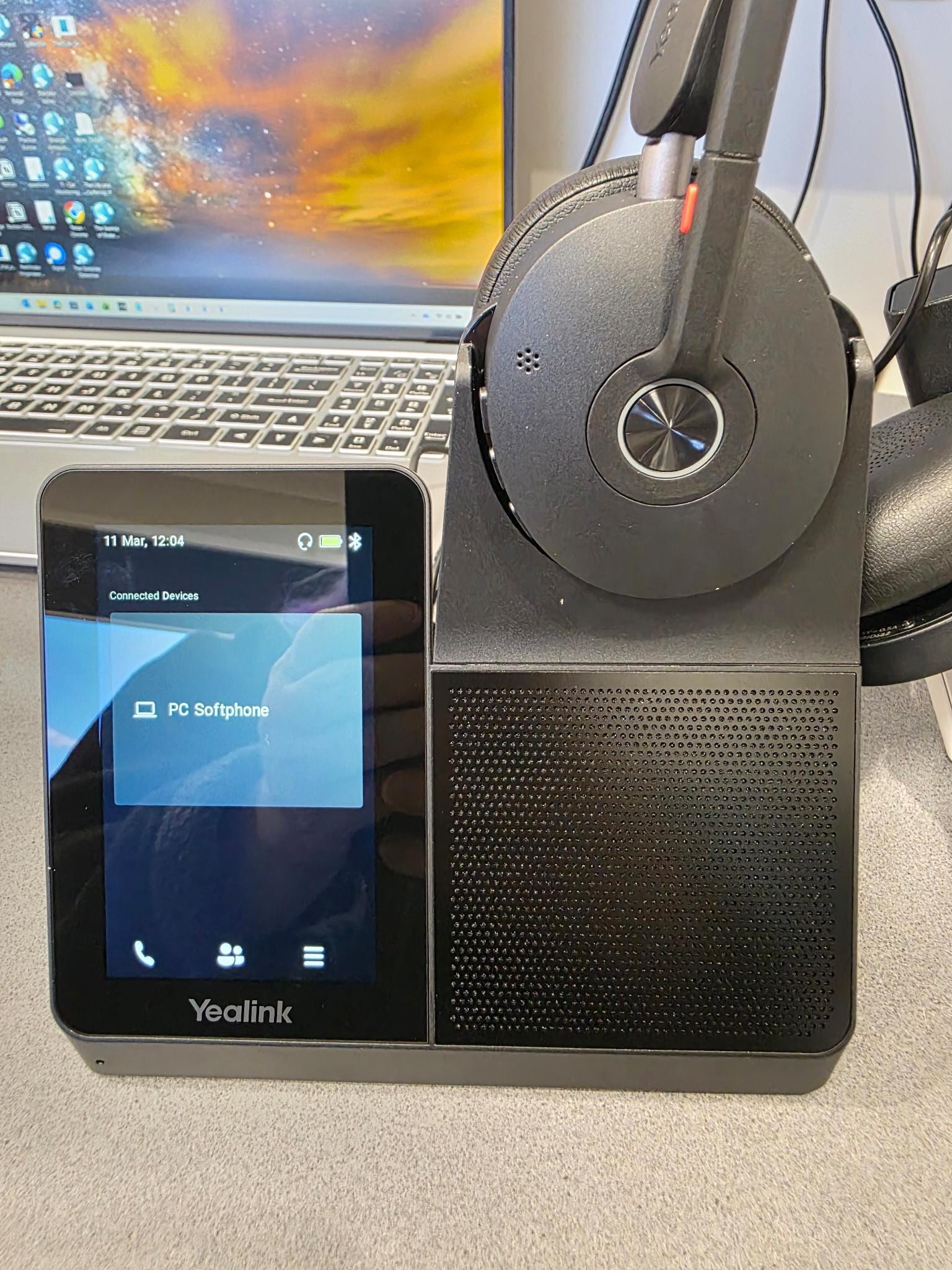
You'll see from the photo to the right that the WH68 seamlessly integrates into 3CX allowing you to answer and finish calls at the touch of a button on the headset, perfect if you are away from your desk grabbing your 6th coffee for the day when a call comes in.
For mobile use, it pairs via Bluetooth just like any wireless headset. Switching between desk calls and mobile calls is easy and intuitive, without awkward reconnecting or fiddling with settings.
Great for Travel Too
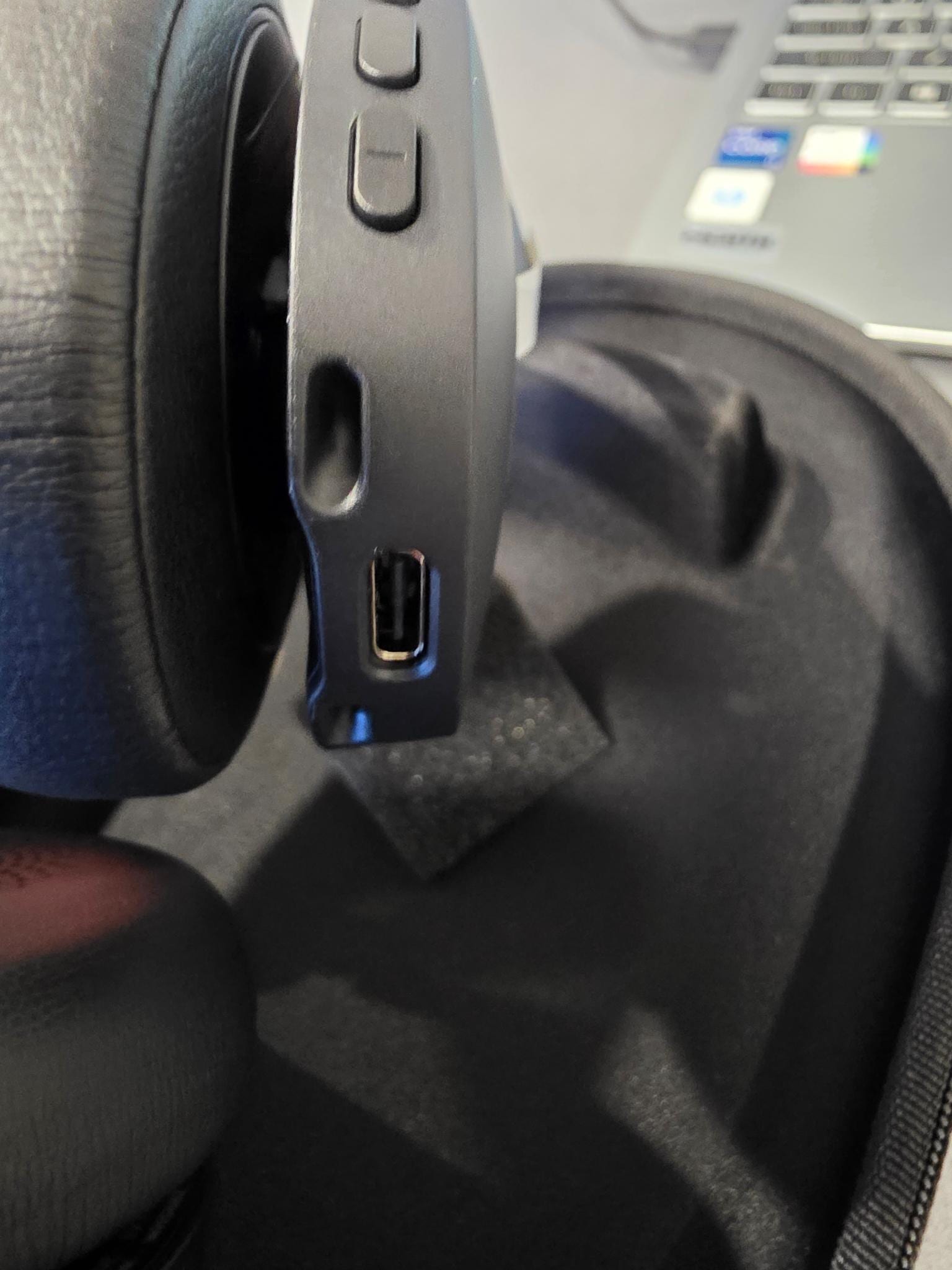
One feature I’ve really grown to appreciate is the WH68’s flexibility when you’re away from your desk.
While the charging stand is ideal for day‑to‑day office use, the headset can also charge directly via USB‑C. That means if you’re travelling or working remotely, you don’t need to take the base at all.
The included carry case is genuinely useful and it conveniently holds the USB‑C charging cable as well. On the road, you can easily connect the headset to:
- A laptop via Bluetooth, or
- Your mobile phone for calls
That makes the WH68 surprisingly practical as a portable business headset, not just a desk‑only device.
Range, Controls, and Everyday Use
The wireless range is excellent. In real‑world use, I’ve comfortably tested it at around 50 metres from the base without any drop‑outs.
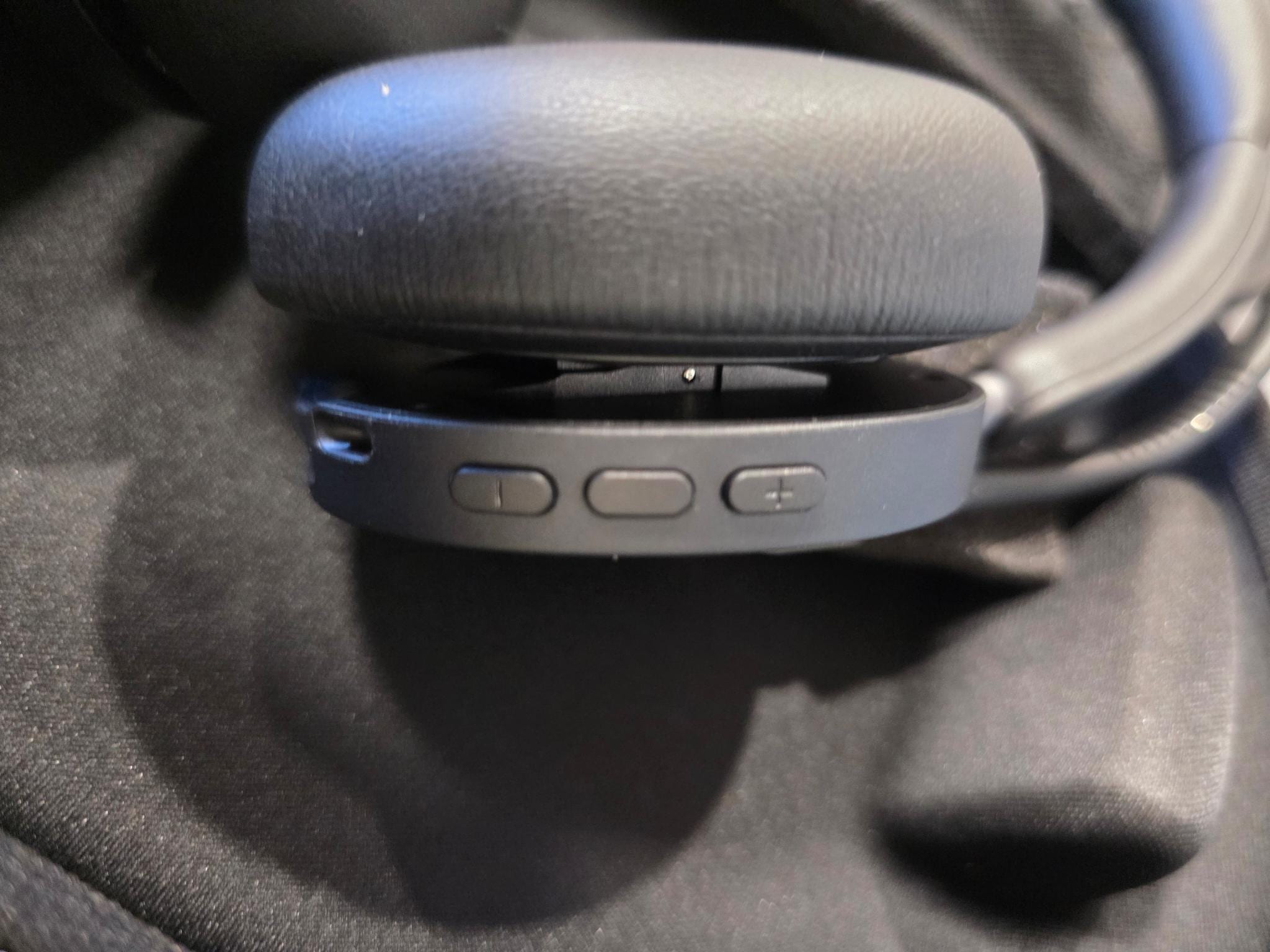
The physical controls are exactly where they should be:
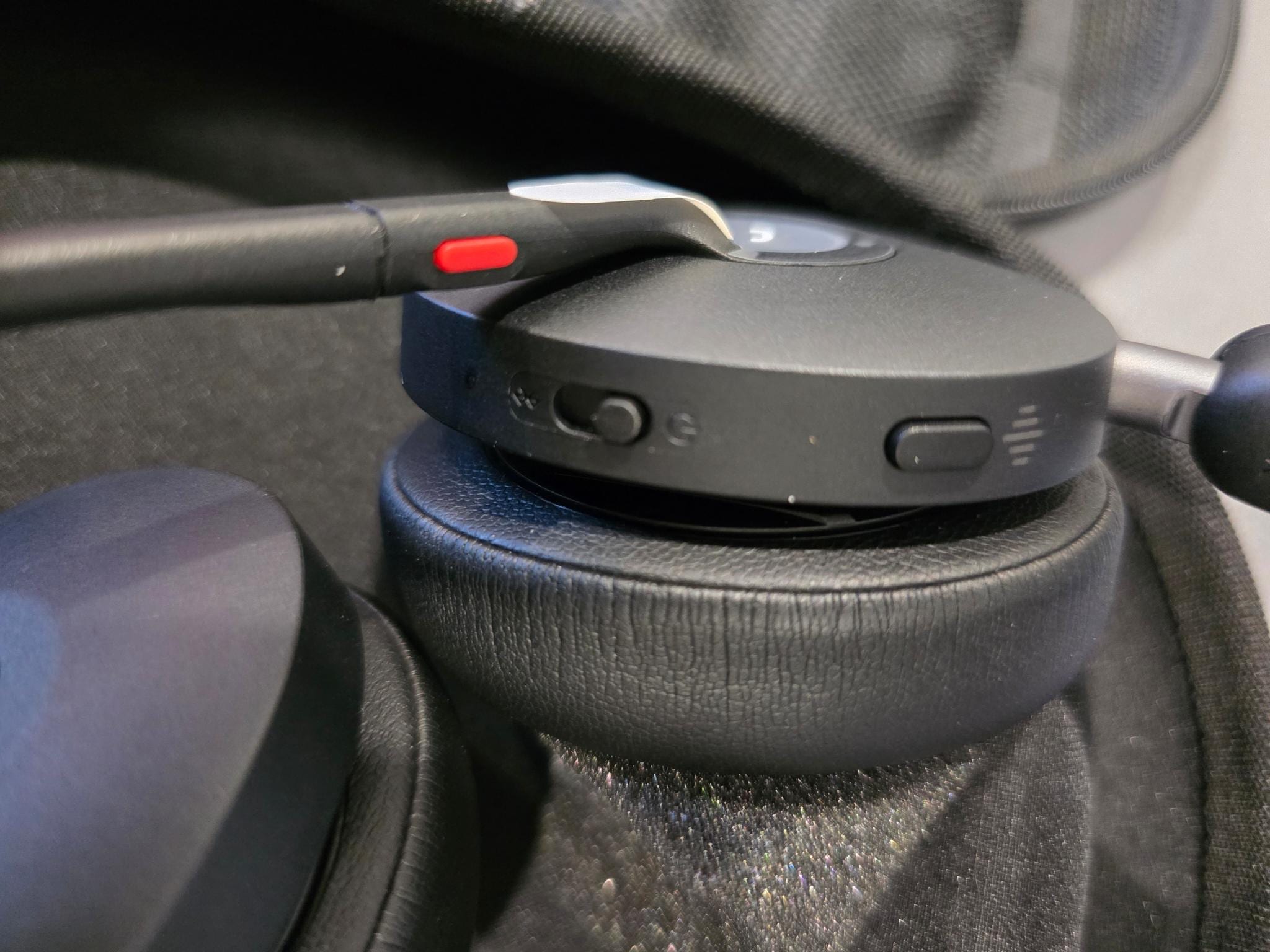
- Flip the mic up to mute
- Volume controls directly on the headset
- Active noise cancelling can be switched on and off at the touch of a button.
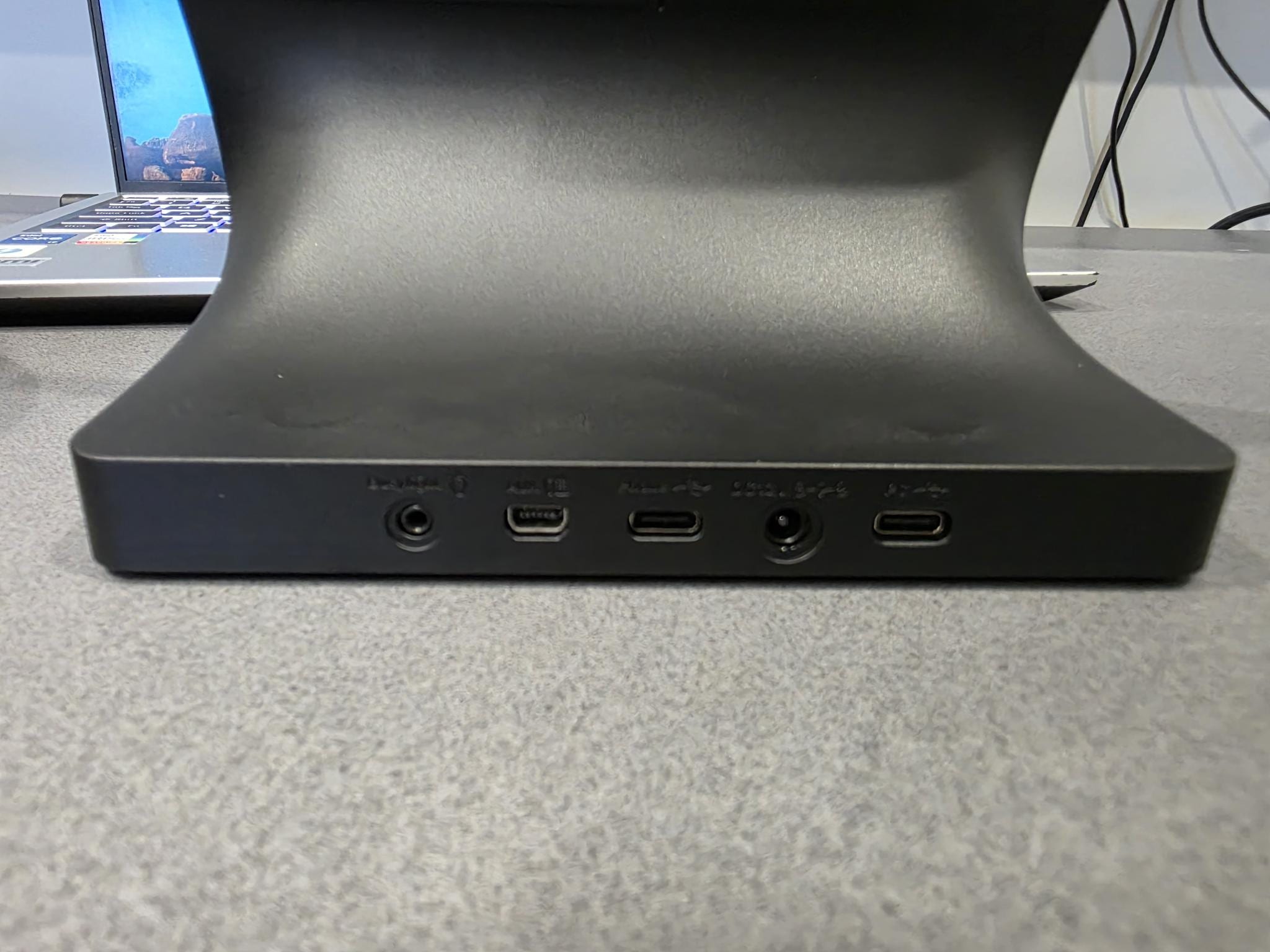
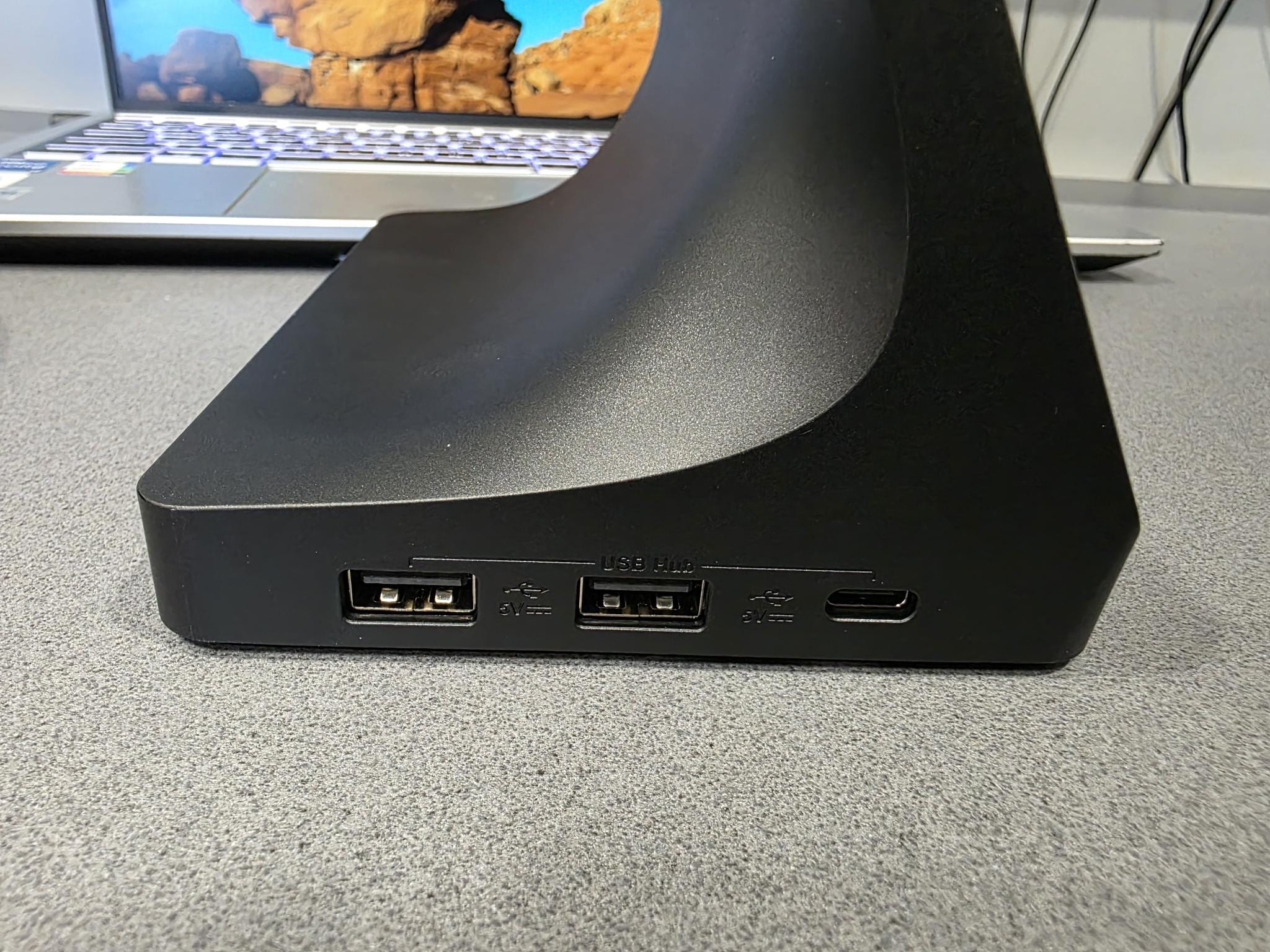
The base station also features a 3 port USB hub on the side, perfect if your own computer has run out of available ports and the
rear features space to plug in a busylight or plug into a handset if you need.
Noise Cancelling
The active noise cancelling (ANC) is very effective. When enabled, it does an excellent job of blocking out surrounding noise which is ideal for busy offices or work from home environments.
Just as importantly, you can switch ANC off when you need to remain aware of what’s happening around you. That flexibility is often overlooked, but it’s extremely useful in real workplaces.
On the microphone side, the multiple microphones do a great job of isolating your voice and cutting out background noise, so clients hear you clearly even if your environment isn’t perfectly quiet.
Battery Life
Battery life is exactly what you want from a business headset: it lasts all day.
You don’t find yourself checking percentages or thinking about charging schedules. Dock it when you’re done, pick it up in the morning, and get on with your work.
Almost Perfect
No review is complete without a “but”.
If you’re coming from the WH66, the main difference you’ll notice is the touchscreen functionality. The WH66 allowed both PC and mobile phone dialling directly from the touchscreen. With the WH68, the touchscreen focuses on the PC side only.
Phone calls still work perfectly - you just have to unlock your mobile to dial from it instead of being able to use the Yealink base.
Is it a deal‑breaker? No.
Do I miss it? Slightly.
Will I survive? Yes, I think I’ll manage......
Final Verdict
Overall, the Yealink WH68 Dual UC is an excellent headset for professionals who spend a significant part of their day on calls and meetings.
What stands out
- Extremely comfortable for long wear
- Excellent wireless range
- Strong noise cancelling and microphone clarity
- Seamless PC, mobile, 3CX and Teams integration
- USB‑C charging and genuine travel friendly flexibility
- All‑day battery life
What’s not quite perfect
- Touchscreen dialling is PC‑only compared to the WH66
If you’re a business user who wants a reliable, comfortable headset that fits both desk‑based and mobile work, the WH68 is a strong, sensible choice and a worthy successor to an already solid lineup.