|
Microsoft Teams is packed with little features that can make a big difference once you know where to find them — but let’s face it, we’re
all busy. That’s why we’ve pulled together a handful of practical Microsoft Teams tips designed to save time, reduce clicks, and help you
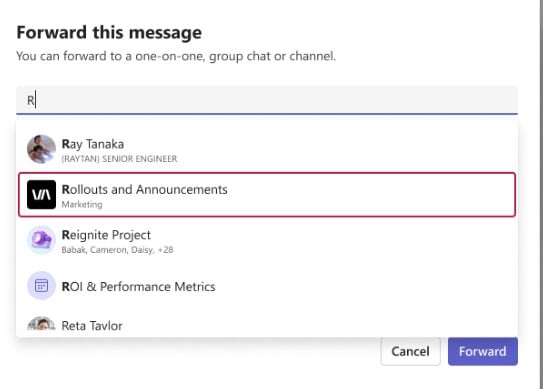
get more out of your day. From forwarding important messages and moving easily between breakout rooms, to smarter search, Copilot assistance, and new collaborative spaces, these tips are all about working more efficiently in Teams — without needing to become an expert. Forward Channel MessagesEver wished you could quickly share an important message from one channel to another without copying and pasting? You can now forward messages across channels and chats, making it easier to get the right information to the right people.You can forward:
What makes this especially useful is the ability to:
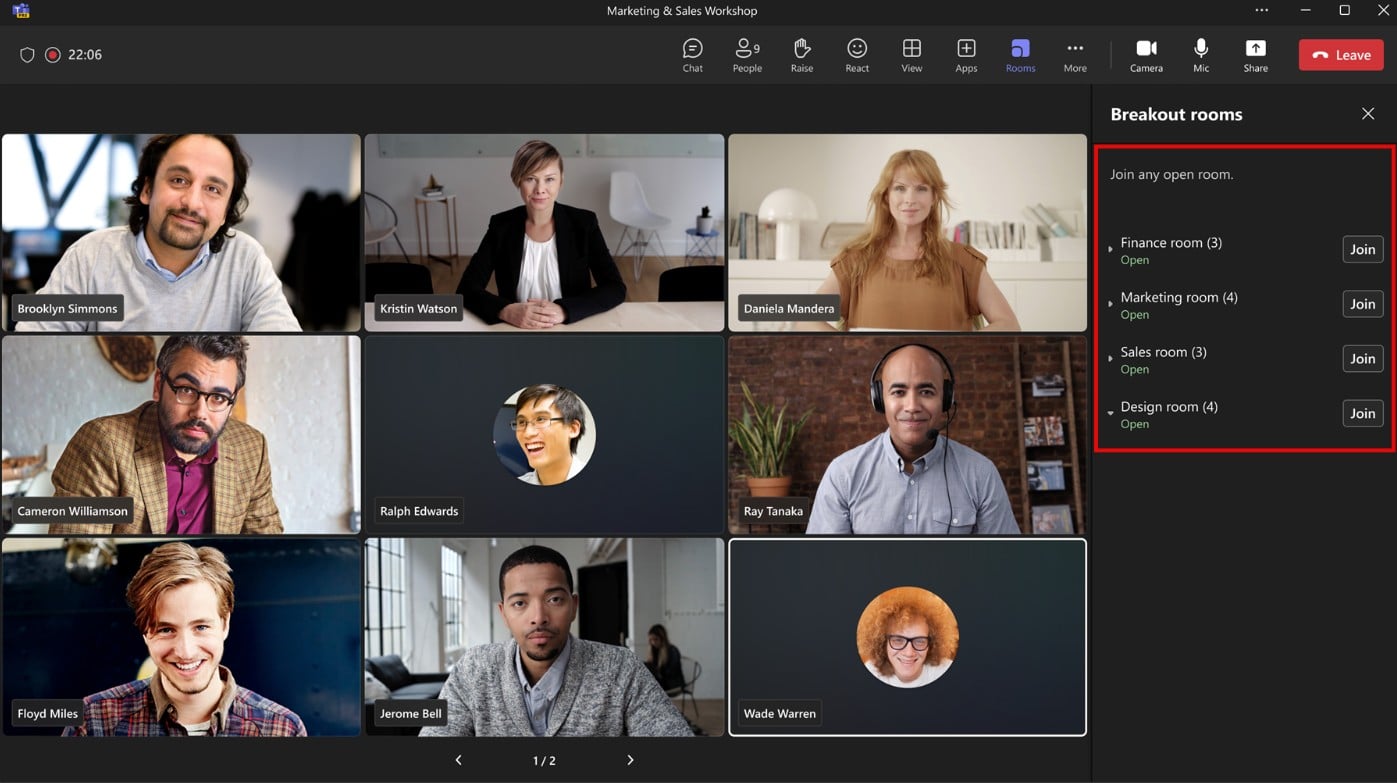
Move Freely Between Breakout RoomsBreakout rooms just became much more flexible.Meeting organisers can now make the list of breakout rooms visible to all participants and allow attendees to choose which room they want to join. When this setting is enabled, participants can move between breakout rooms on their own, without needing the organiser to manually reassign them. This is especially helpful for:
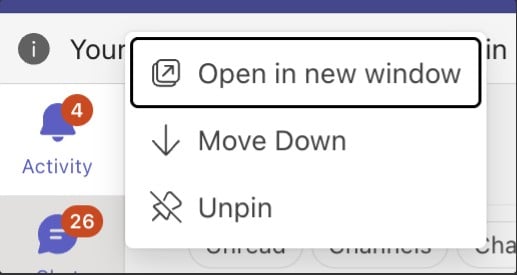
Pop Out Your Core Teams FunctionsIf you like to multitask, this one’s for you.You can now open core Teams apps in separate windows, allowing you to organise your workspace in a way that suits your working style. This includes:
To pop an app out:
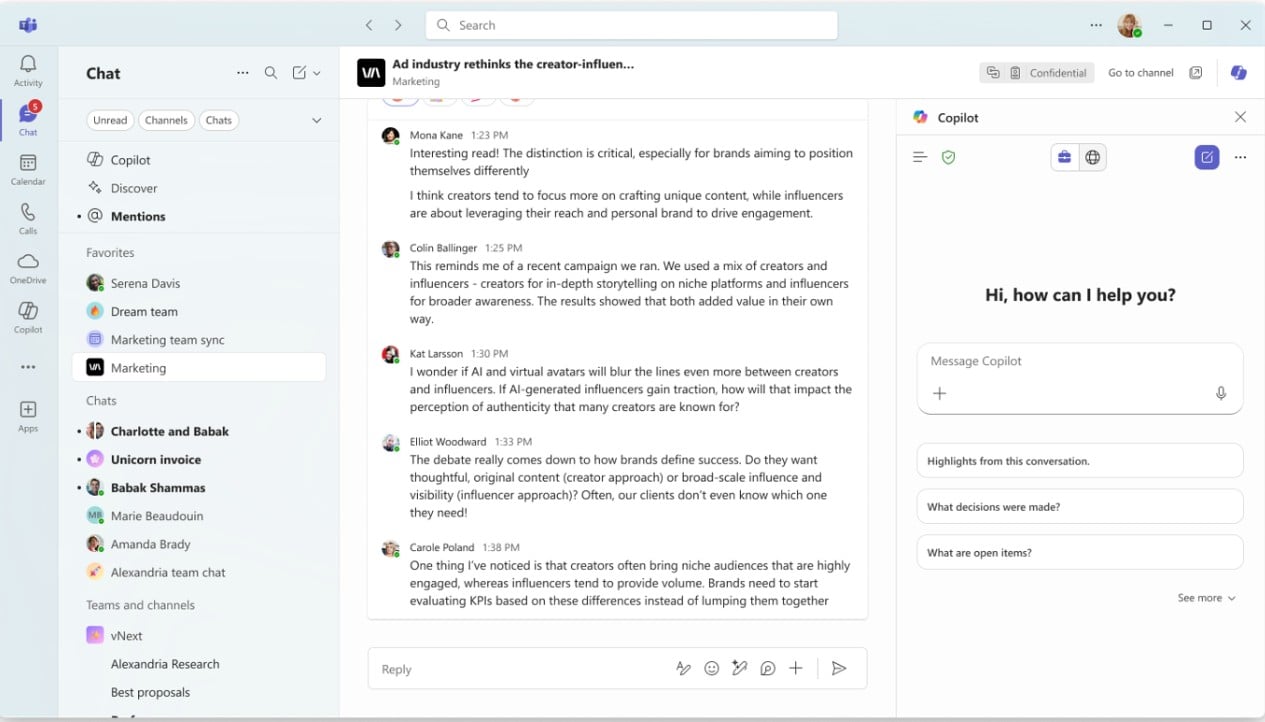
 Copilot Experience in Microsoft Teams
For users with a Microsoft 365 Copilot license, the Copilot experience in Teams is now unified across chats, channels,
and meetings, aligning it with the Microsoft 365 Copilot app.
Search Within Teams SettingsNo more digging through menus trying to find a specific setting.Teams now includes a search bar at the top of the Settings menu, making it easy to find exactly what you’re looking for. Just type a keyword like Notifications or Dark mode, and Teams will take you straight there. It’s a small change, but a real time‑saver — especially if you don’t adjust your settings often. 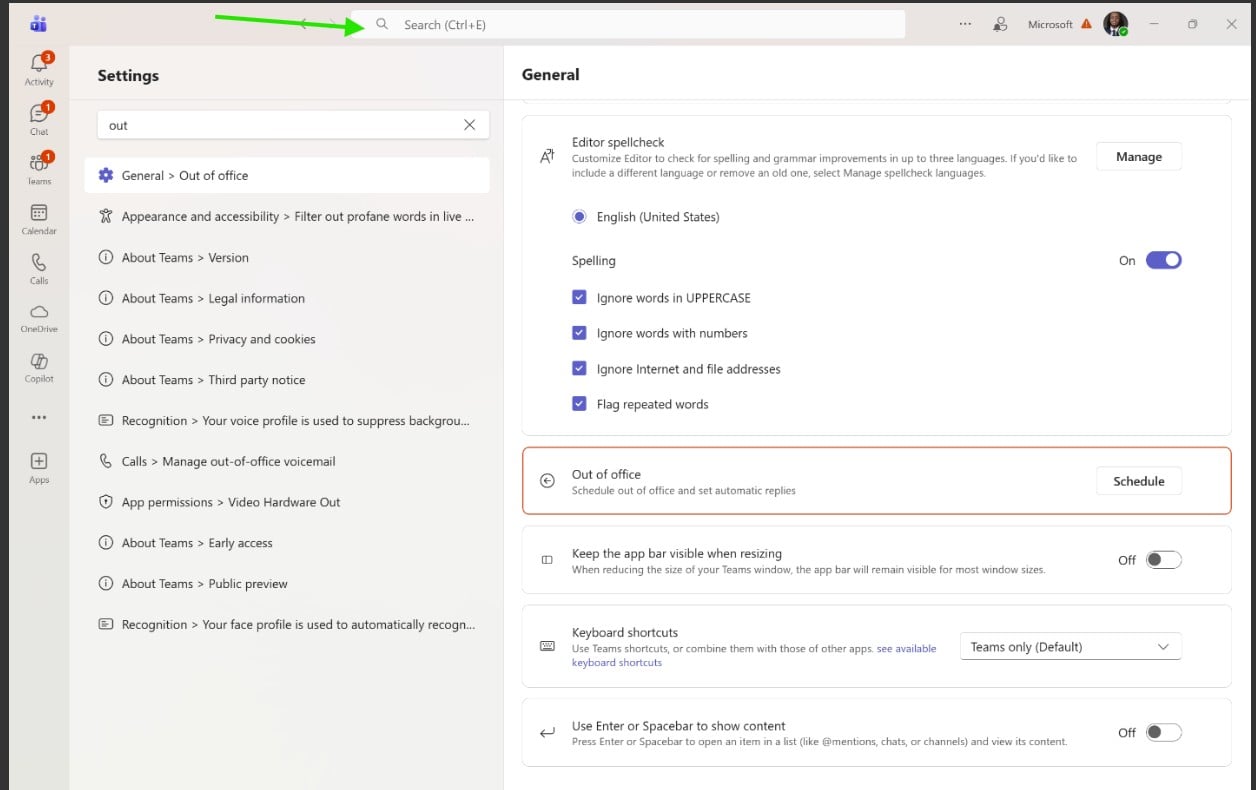
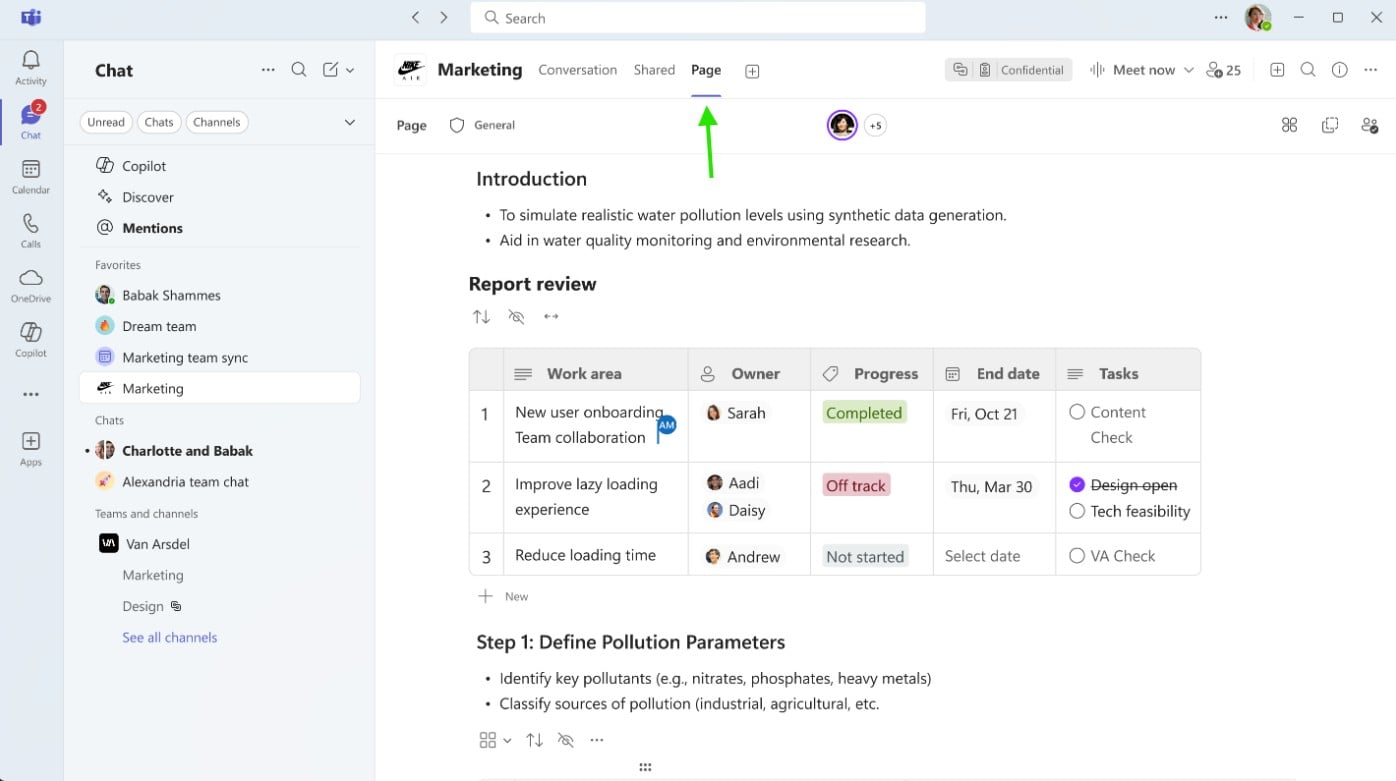
Pages in ChannelsTeams now offers dedicated collaborative spaces to help reduce message clutter and keep important information easy to find.Pages are flexible collaboration spaces within channels. You can:
Notes in ChatNotes are available in both 1:1 and group chats and are visible only to the chat members. Think of them as a shared working space where you can:
It’s a simple but powerful way to collaborate outside the chat stream. If you haven’t tried these features yet, now’s a great time to explore them and see how they can fit into your daily workflow.Have you checked out our other Tech Tips? Head over to our library to explore them. |