We are going to take a deep dive into Copilot (we will link future blog posts here) but let's start at the beginning - what is
Copilot?
Microsoft Copilot isn’t a single product - it’s a family of AI tools designed to assist users in different ways, depending on how and
where they work. From casual research and writing help through to deep integration with Microsoft 365 apps and advanced security analysis,
each version of Copilot serves a distinct purpose.
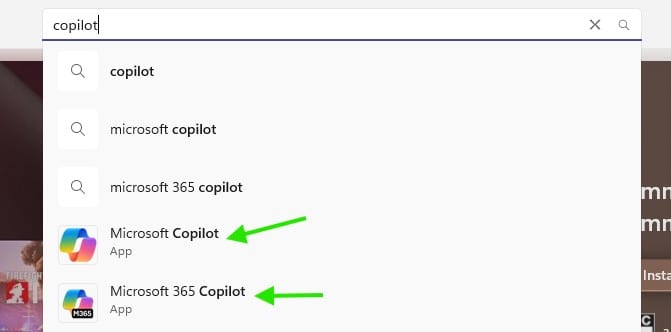
Understanding the differences is important so that businesses can choose the right tool, avoid confusion, and ensure sensitive data is handled appropriately.
We've put together a basic overview of the following Copilot versions and what they’re designed to do. Note that there are a number of
Copilot development tools like Studio, but we have focussed on the versions that are aimed at personal users and business productivity
improvements.
As with any software solution, the use of Microsoft Copilot with business data may involve data security, data sovereignty, and compliance
obligations under the Australian Privacy Act 1988 (Cth) and the Australian Privacy Principles, so it is important to keep that in mind
before starting your Copilot journey.
Free Copilot (Web, Windows & Edge)
This is the publicly available Copilot that many people first encounter. It works through a web browser and behaves much like other public AI tools. It can help with tasks such as drafting emails, summarising documents, answering general questions, creating rough plans, or brainstorming ideas.
However, it is not connected to your Microsoft 365 tenant. It does not have access to your emails, Teams chats, SharePoint files, or OneDrive documents. Because of this, it should be treated like any other public AI service - helpful, but not appropriate for confidential, client‑specific or sensitive business information.
This version is a good starting point for experimentation, learning how AI prompting works or assisting with generic tasks.
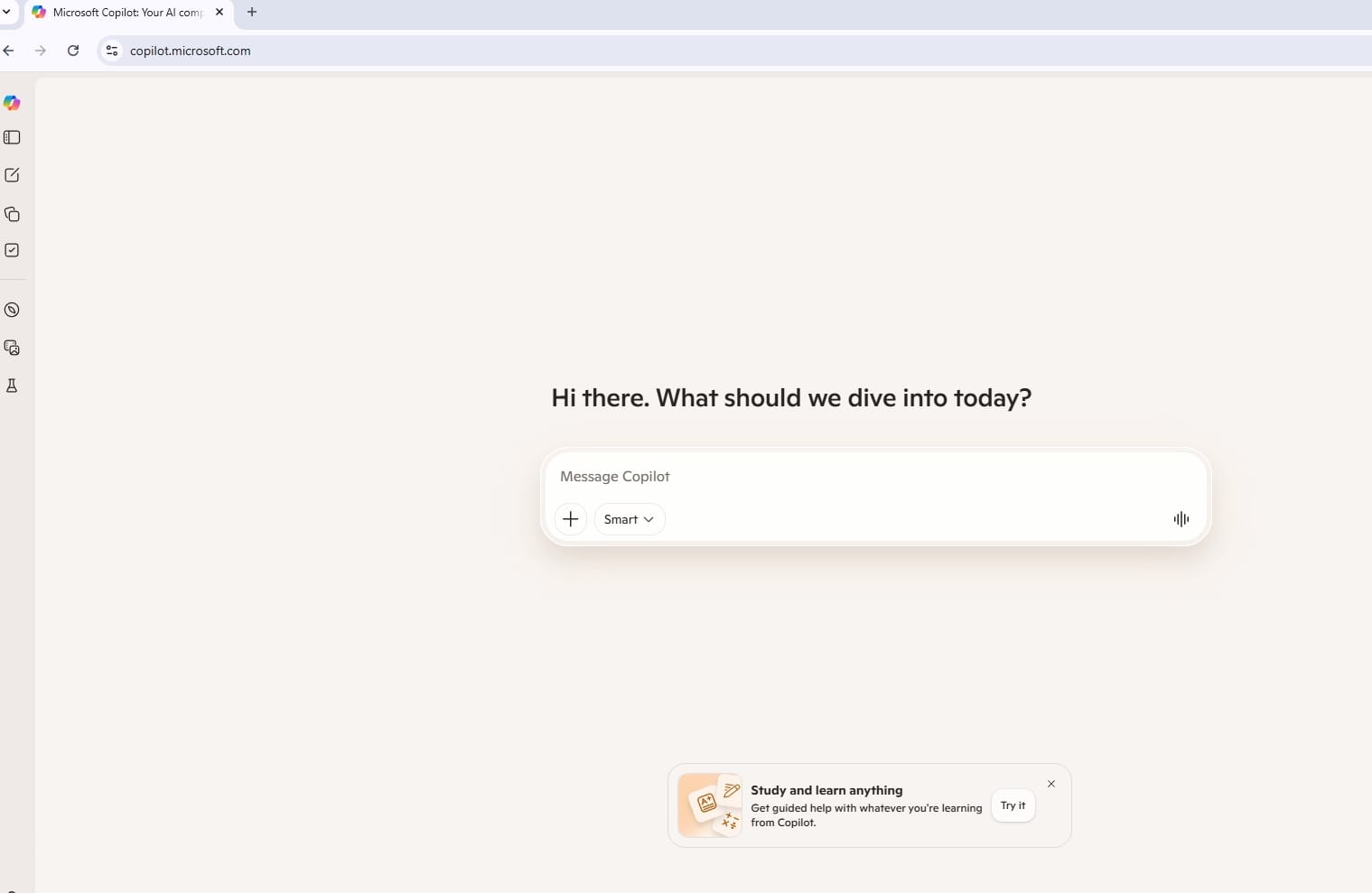
Where you’ll see it:
- In a web browser (copilot.microsoft.com)
- Built into Microsoft Edge
- Included with Windows 11
- Often tied to personal Microsoft accounts
What it’s useful for: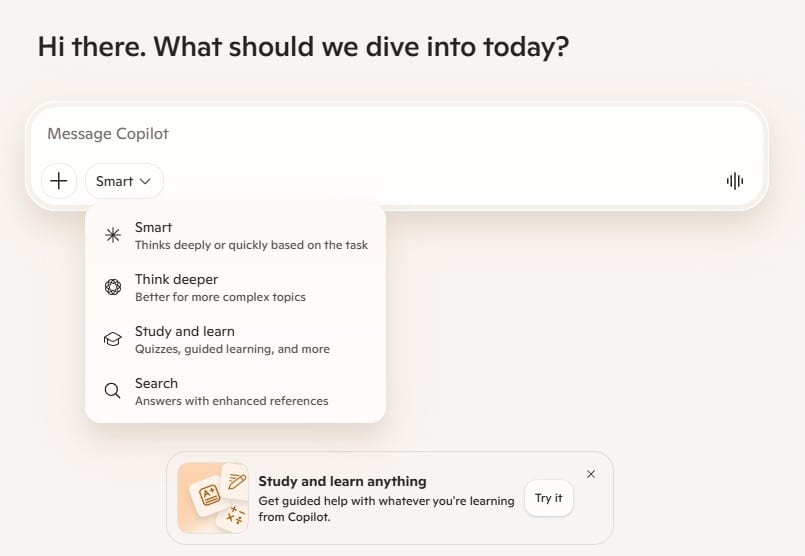
- General questions and research
- Brainstorming ideas
- Writing draft content
- Summarising public information
Limitations for businesses:
- Does not connect to your Microsoft 365 tenant
- It cannot see your emails, documents, Teams chats or SharePoint files
- It is not designed for handling sensitive business or client data
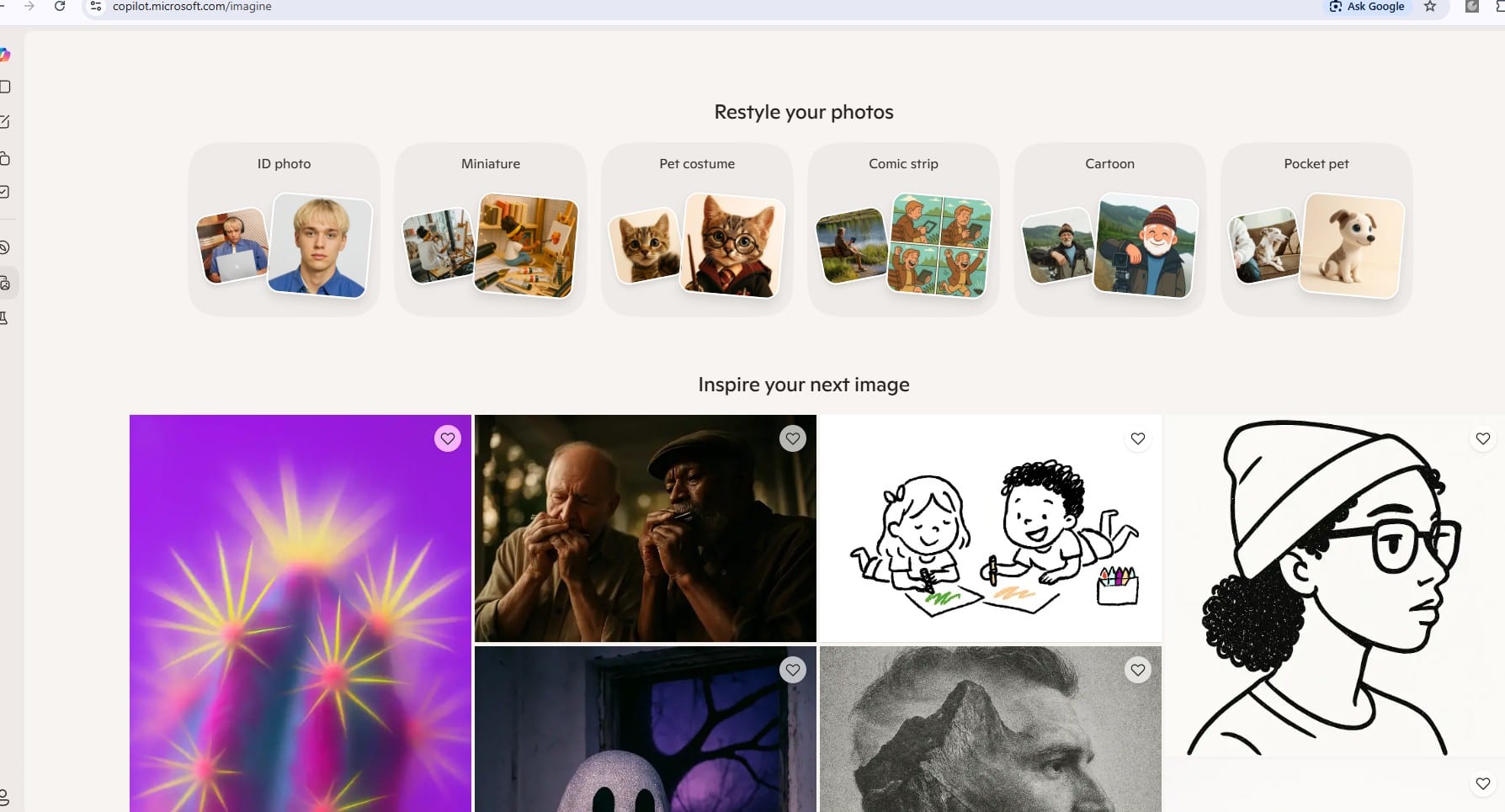
And, if your real priority is transforming a photo of your pet into a cartoon, the Imagine feature has you covered: https://copilot.microsoft.com/imagine
Microsoft 365 Copilot Chat (Free with Microsoft 365)
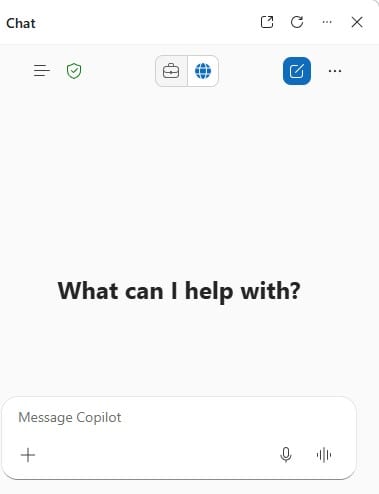
Microsoft 365 Copilot Chat is Microsoft’s business‑ready replacement for public AI chat tools. It looks and feels similar to web‑based Copilot or other AI chat interfaces, but the key difference is how it handles data and security.
Copilot Chat runs inside your Microsoft 365 tenant and is covered by your organisation’s security, compliance, and privacy protections. This means prompts and responses are not used to train public models, and data stays within Microsoft’s commercial boundaries - which at this time means it stays on Microsfot servers and in their data centre, which doesn't neccasruily mean it stays within Australia or your M365 tenancy when data is being processed though.
Unlike Copilot for Microsoft 365, Copilot Chat does not automatically pull in your emails, files, or meetings. It operates more like a secure conversational assistant rather than a deeply embedded productivity tool.

What it is:
- A secure AI chat tool included with most Microsoft 365 business subscriptions
- Accessed using your work Microsoft 365 account
Typical uses include:
|
Why this matters:
- Covered by Microsoft’s enterprise-grade security and compliance
- Prompts and responses are not used to train public AI models
- Managed under Microsoft 365 admin controls
Key limitation:
- Copilot Chat does not access your organisation’s emails, documents, meetings or Teams data
This makes Copilot Chat a safer entry point for businesses wanting to explore AI, but it’s not yet connected to your actual work content.
Paid Microsoft 365 Copilot
This is the full Copilot experience most businesses mean when they talk about Copilot. It is available as a monthly subscription for around $45 per user a month (as at April 2026).
What makes it different:
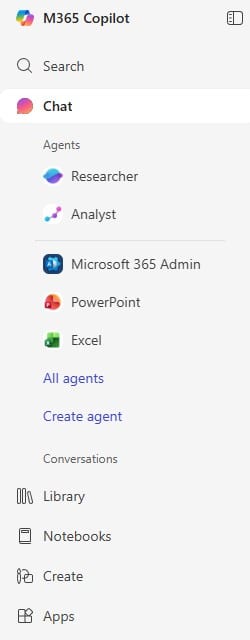
- Fully integrated into Word, Excel, Outlook, Teams, PowerPoint, OneNote, and more
- Connects securely to your Microsoft 365 tenant
- Uses Microsoft Graph to reference emails, files, chats and meetings you already have permission to access
- Designed specifically for business productivity
From a privacy and security perspective:
- Microsoft does not use your data to train public AI models
- Existing permissions, security groups and compliance policies are respected
- If a user doesn’t have access manually, Copilot can’t see it either
This is the only Copilot version intended for day‑to‑day business use with client or sensitive data.
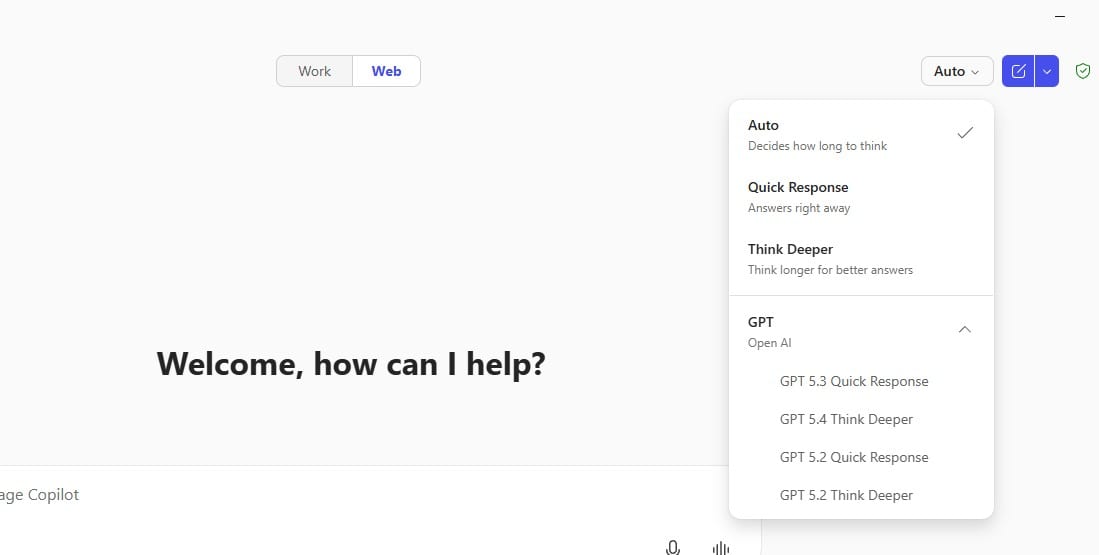
Microsoft 365 Copilot utilises a multi-large language models (multi-LLM) approach, combining advanced models from OpenAI (such as
GPT-4/GPT-5) and Anthropic (as of January 2026), optimised for enterprise security. Copilot gives you the option to choose
which of the available LLM's to use for your prompts, or you can just leave it on Auto and let it decide for itself.
And that’s it for our Copilot explainer. Hopefully this has helped make sense of what Copilot is, the different versions, and where each one
fits. Next month, we’ll start getting more hands‑on, looking at setup options, how Copilot works inside Microsoft 365 apps, and some simple
prompting tips to help you get better results.