Forms are part of almost every small business whether it’s website enquiries, client onboarding, service requests, approvals, or payments. Yet many businesses are still relying on email chains, PDFs, spreadsheets, or manual data entry to manage them.
But how can you simplify this process? Well, that is where Jotform can come in. It allows businesses to collect information consistently, automate routine tasks, and reduce administrative overhead without needing technical skills or custom development.
In this blog, which will be Part One in our JotForm series, we will explain what Jotform is, how it works, and the key features that make it useful for small and growing businesses so you can decide for yourself whether it is the right fit for you.
What Is Jotform?
Jotform is an online form creation and data collection platform. It enables businesses to create digital forms that can be shared via a link, embedded on a website, or connected directly to other business systems.
Common uses include:
- Website contact and enquiry forms
- Client intake and onboarding
- Quote and service request forms
- Surveys and feedback collection
- Event registrations
- Payment and order forms
- Internal requests and approvals
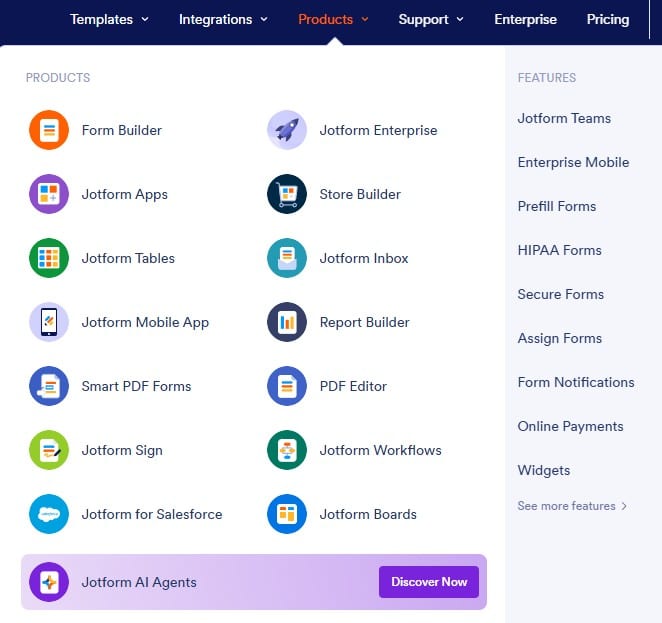
Rather than collecting information across emails, attachments, and spreadsheets, Jotform centralises everything in one place and makes it easier to manage, track, and act on.
Jotform Makes Sense for Small Businesses
Small businesses often face the same challenges:
- Limited time and staff
- Repetitive admin tasks
- Inconsistent data collection
- Systems that don’t talk to each other
Jotform helps address these issues by standardising how information is collected and automating what happens next. The result is fewer manual processes, fewer errors, and better visibility across the business.
Key Features and Benefits of Jotform
1. Simple, No‑Code Form Builder
Jotform’s form builder uses a drag‑and‑drop interface, allowing users to create forms without writing code.
Fields such as text inputs, dropdowns, file uploads, signatures, and checkboxes can be added and rearranged easily.
Why this matters:
- Forms can be created or updated quickly
- Non‑technical staff can manage changes
- Businesses are less reliant on external support
This makes Jotform practical for day‑to‑day business use, not just one‑off projects.
2. Ready‑Made Templates That Save Time
Jotform provides a large library of pre‑built templates for common business scenarios and industries.
Instead of starting from scratch, businesses can:
- Select a relevant template
- Adjust wording and fields
- Apply branding
- Publish immediately
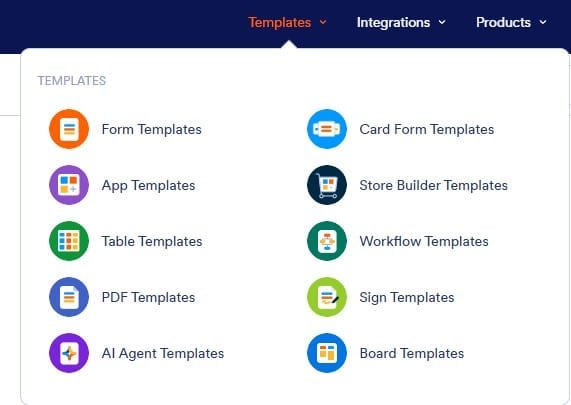
Templates reduce setup time while helping ensure forms are clear, consistent, and professional which is particularly useful for small teams with limited capacity.
3. Integration With Existing Business Systems
Jotform integrates with many commonly used platforms, including:
- Microsoft 365 and Google Workspace
- Cloud storage solutions
- CRM systems
- Email and marketing tools
- Payment providers such as Stripe and PayPal
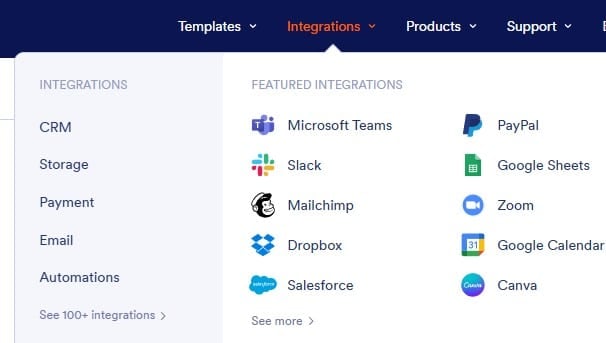
This allows form submissions to automatically:
- Update spreadsheets or databases
- Trigger notifications or workflows
- Create or update client records
- Process payments
Automation reduces manual handling, improves accuracy, and ensures information flows into the systems your business already relies on.
4. Security and Data Protection Controls
Collecting customer or client information carries responsibility. Jotform includes features designed to support secure data handling, such as:
- Encrypted data transmission
- Access controls and permissions
- Secure hosting options
- Support for compliance requirements
Small business advantage: You gain stronger data protection without needing to build or manage your own infrastructure.
5. Approvals, Workflows, and Reporting
Jotform can be used for more than simple data collection. It also supports:
- Internal approval processes
- Automated notifications
- Role‑based access
- Reporting and data exports
For example, a submitted form can:
- Be reviewed by a manager
- Approved or rejected
- Trigger follow‑up actions automatically
Business benefit: This turns forms into part of your operational workflow, rather than static documents that need manual follow‑up.
Final Thoughts
Jotform is a practical tool for businesses looking to work more efficiently and reduce manual processes. By standardising data collection and automating routine steps, it helps businesses save time, improve accuracy, and create more consistent experiences for customers and staff.
For businesses already using tools like Microsoft 365 or cloud storage, Jotform can integrate smoothly into existing systems and support more streamlined operations.
If you’re reviewing your current processes and finding that forms, emails, and spreadsheets are creating friction, Jotform is worth considering as part of a broader efficiency and systems strategy.
Why not check out our recent blog on one of our accounting clients who has started using Jotform for their client onboarding?
Keep an eye out for Part Two in this series, where we will explore basic features of Jotform more.